
Remote work has many benefits, but it also comes with real ergonomic challenges. Without the setup and support of an office, it is easy to fall into poor posture, eye strain, fatigue, stress, and even musculoskeletal pain.
This guide covers practical ways to create a home workspace that fits your environment and physical needs. It also includes useful tools and resources to help improve your WFH ergonomics.
Challenges of Remote Work
Working from home can feel isolating, which may lower motivation and affect overall well-being. Stress, anxiety, and lack of support can make that worse. Distractions at home, such as family, chores, pets, and noise, can also break concentration and reduce productivity.
Communication can be harder, too. Remote work often leads to delays, misunderstandings, and fewer natural conversations that usually help teams build trust and solve problems quickly.
Another major issue is boundaries. When home and work happen in the same space, it becomes harder to switch off. That can lead to longer hours, constant availability, fatigue, and burnout.
Work From Home Ergonomics: The Do’s

Now that we understand the challenges of working from home, let’s go over some intuitive ways to be productive while staying healthy. Remember, just because it's home doesn't mean it can't be professional. Here's what you should do to have an ergonomic, productive workspace.
Your Workspace is Your Office
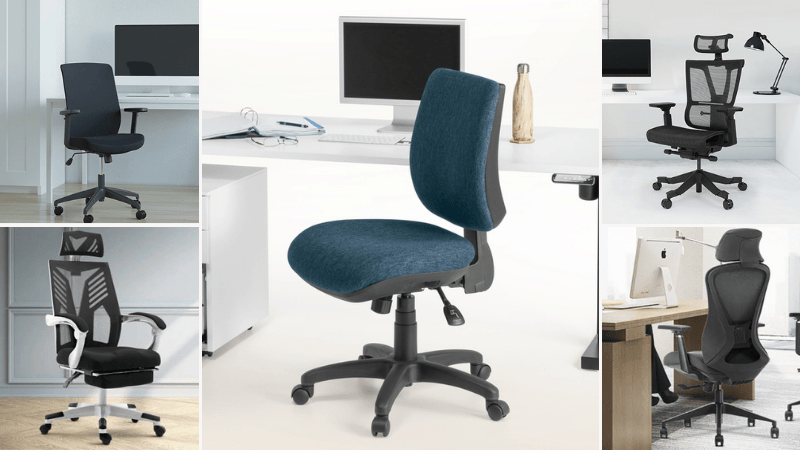
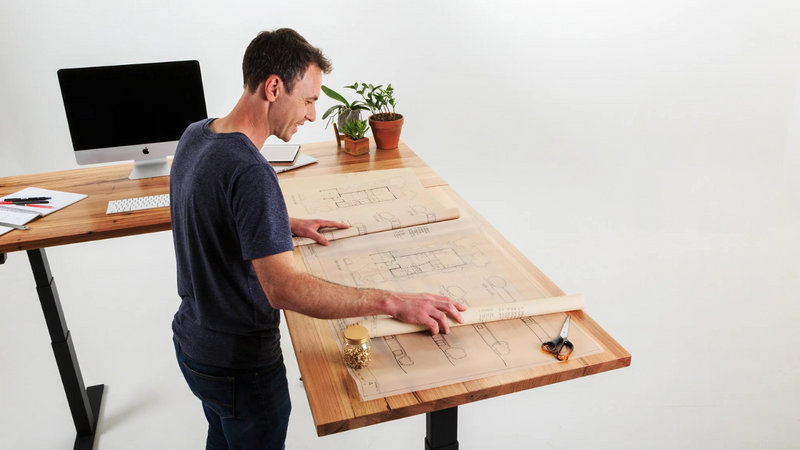
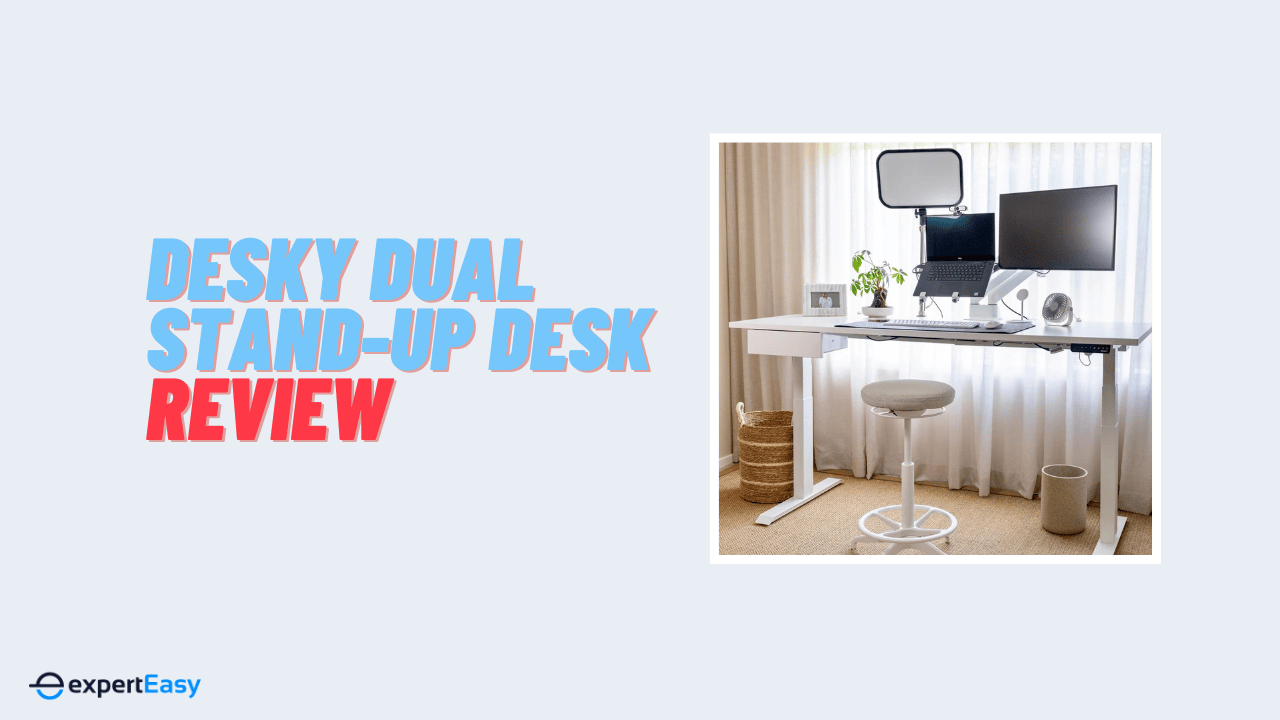
The first step to improving your WFH ergonomics is to invest in the right equipment, such as an adjustable desk, chair, a separate keyboard and mouse tray, a monitor stand, and a footrest.
These items help you adjust your workstation to suit your body size, shape, and preferences and avoid strain on your muscles, joints, and eyes.
Here is a curated list of the best height-adjustable desks. Likewise, I have reviewed the best ergonomic office chairs available in the market and all the essential WFH accessories to help you with your purchase.
Maintain Proper Posture
A neutral spine means keeping your back in its natural curve without excessive bending or twisting.
To maintain it, keep your head in line with your shoulders and hips, relax your shoulders, keep your elbows close to your body, keep your wrists straight, and place your feet flat on the floor.
For more practical advice, see my guides on maintaining good posture while working from home and sitting properly at a computer. They cover simple, effective ways to improve your setup, reduce discomfort, and work more comfortably and productively.
Take Frequent Breaks
Sitting or standing for too long can lead to poor circulation, muscle tension, joint pain, and other health problems. To avoid that, take short breaks every 25 minutes to stand, walk, stretch, or do light movement.
A standing desk makes this easier, but if that is not an option, there are still practical ways to create a standing setup at home.
Do Light Exercises
Stretching helps reduce muscle tightness, improve circulation, ease tension, and lower the risk of injury. Do it before work, after work, and during breaks.
Light exercise also helps by raising your heart rate, burning calories, and improving your mood. You can follow online workouts, use a home fitness app, join a virtual class, or stick to simple activities like walking, jogging, cycling, skipping rope, or dancing.
Optimise Your Workplace for Calls
If you have to attend video calls or meetings, make sure your workplace is always ready. This means having a good internet connection, a decent webcam and microphone, and a professional or neutral background.
Use the features available to you on Zoom, such as virtual backgrounds, touch-up appearance, or mute audio and video, to enhance your online presence and avoid distractions.
Optimise Your Lighting
Lighting, ventilation, and noise directly affect focus, comfort, and performance. Set your screen sideways to windows to reduce glare, use blinds or curtains to control natural light, and keep air flowing with a fan or good ventilation.
Use headphones or earplugs to cut distractions, and avoid working in dark spaces that can cause eye strain and fatigue.
Work From Home Ergonomics: The Don’ts

Some of the common mistakes and pitfalls to avoid when setting up and using an ergonomic workspace at home are:
Don’t Work From Your Bed or Couch
These surfaces do not provide adequate support or stability for your body and can make you adopt poor postures, leading to pain and injury.
Use a flat, stable work surface large enough to fit all the items you require, such as a desk, table, or counter. I go in-depth on how to set up a complete workstation in my ultimate home office setup guide.
Don’t Hunch or Use Trackpads for Long
If using a laptop, raise it so that the top of the monitor is at eye level and use a separate keyboard and mouse.
This prevents you from bending your neck or dipping your chin while looking at the screen, reducing the pressure on your wrists and fingers when operating the computer.
The best practice is to keep both arms close to your body and avoid reaching or twisting when using the keyboard and mouse. You can purchase a laptop stand or riser to deal with these issues.
Don’t Ignore Pain or Discomfort
If you experience pain or discomfort in your muscles, joints, eyes, or other body parts while working from home, do not ignore it or try to work through it.
Report any work-related injuries or illnesses to your employer as soon as possible and follow their procedures for workers’ compensation claims.
I recommend seeking medical advice from your doctor or health professional if necessary or when the symptoms persist.
Don’t Neglect Your Well-Being
Working from home can pose some challenges to your mental health and well-being. Set clear work expectations and boundaries with your manager and family members to cope with these challenges.
Likewise, communicate regularly with your colleagues and support networks, engage in hobbies and leisure activities that make you happy, and seek professional help if you feel overwhelmed or depressed.
Frequently Asked Questions (FAQs)
Here are some frequently asked questions on work-from-home ergonomics.
Why is flexibility important in working from home?
Flexibility matters when working from home because it helps you manage both work and personal life more effectively. That can mean having control over your work hours, location, pace, and how you approach tasks. It also means being open to new tools, new skills, and different ways of working with others.
Why is ergonomics important while working from home?
Ergonomics matters when working from home because it helps prevent strain and injuries caused by poor posture, repetitive movement, and badly set up equipment. That includes issues like back pain, neck pain, shoulder pain, and wrist problems.
It also improves comfort, focus, and productivity by making your workspace work better for you, including factors like lighting, noise, airflow, and temperature.
How does working from home affect posture?
Working from home can easily lead to poor posture, especially if you are using a laptop on a couch, bed, or any setup that is not designed for proper support. That often causes slouching, leaning forward, hunching, or twisting awkwardly. Over time, these positions can strain the neck, back, shoulders, wrists, and eyes.
 Darren Sherwood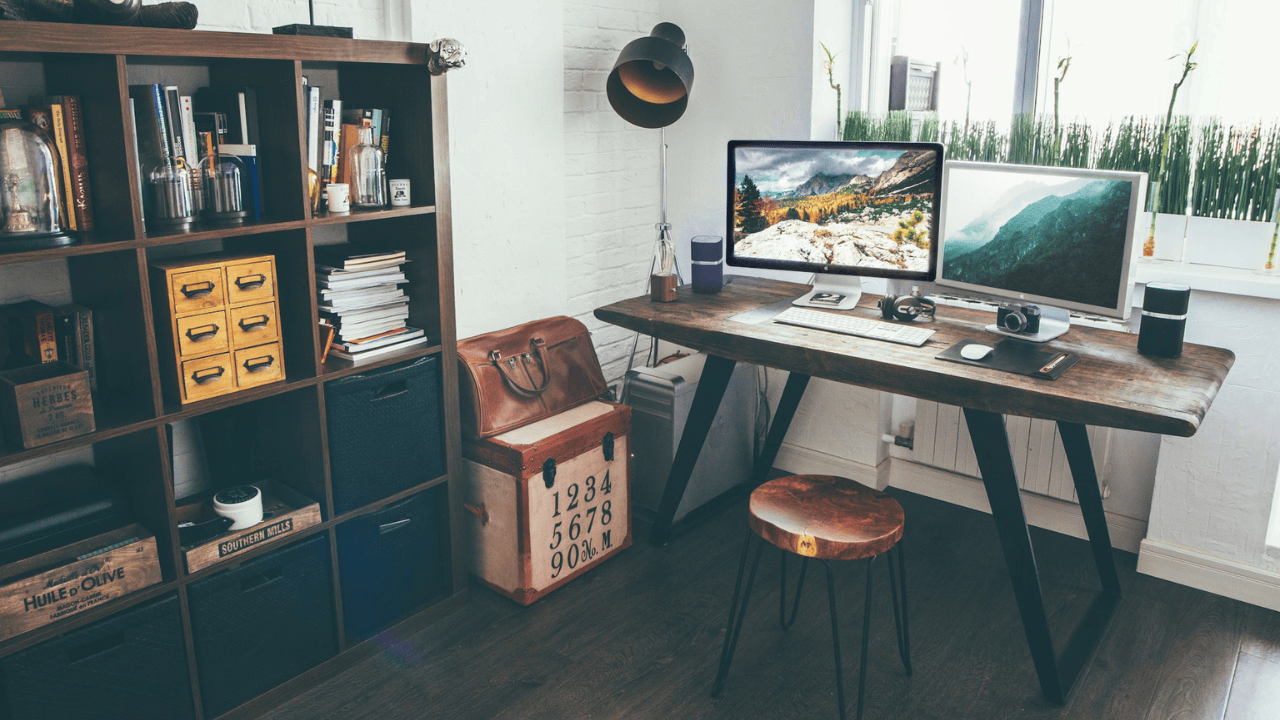
Key Takeaways
We've covered practical ways to set up a safer, more ergonomic home workspace based on guidance from Safe Work Australia and Comcare. These tips reduce the risk of injury, improve comfort, and support better performance.
For extra support, the Office Safety Tool’s working-from-home assessment can help you review your workstation and spot areas that need improvement.
Remember, ergonomics is not one-size-fits-all. Adjust your setup to match your tasks, space, and body, and speak to your employer or a health professional if you need more support.







)
